


H5P
H5P is an abbreviation for HTML5 Package. It enables educators to create content such as interactive videos, quizzes and presentations. H5P content can be created in the Content bank or on the h5p.com site  , or with the LUMI app for desktop, and added to your course as an Activity, or embedded into any other activity or resource.
H5P Content Bank
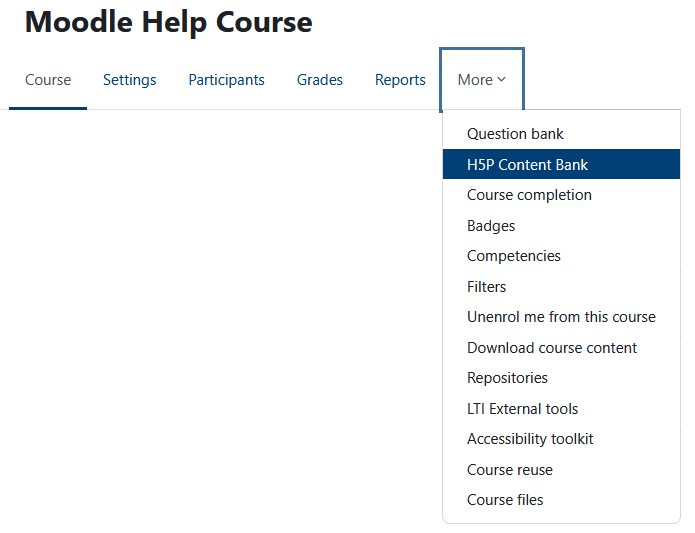
It is recommended that you create H5P elements directly in the H5P Content Bank. This is located at the top of your course under More .
.
Once you have built the H5P element, you can then add it to many places in Moodle using the editor (click on the ellipse and insert H5P content). This will add the H5P element to your Moodle activity, but not the gradebook.
H5P Element
To have an H5P element (that has questions) included in the gradebook, you need to download and then upload the H5P element. To do this go to the H5P Content Bank, click on the element you want to use, click More, and then Download. This will download your H5P element with the .h5p extension. In your course, add an H5P Package Upload activity, name the activity, drag in the .h5p file, and under Grade, select type point. This will add your H5P activity to the course. It will be added to the Gradebook.