


I Forgot My Password
Please follow these steps to reset your password.
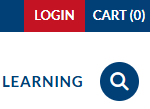
Go to https://anchor.acadiau.ca  and click on the Login link at the top right of the page.
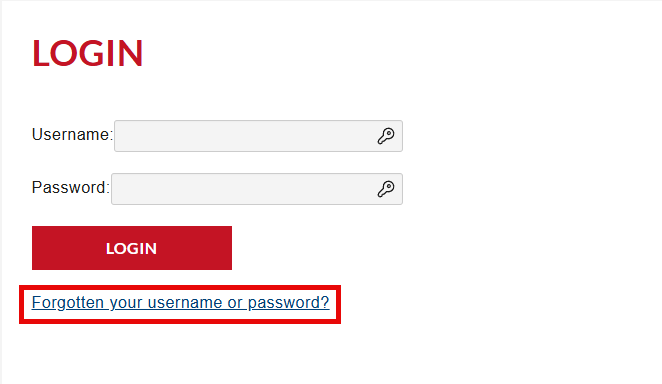
Click on the Forgotten your username or password? link.
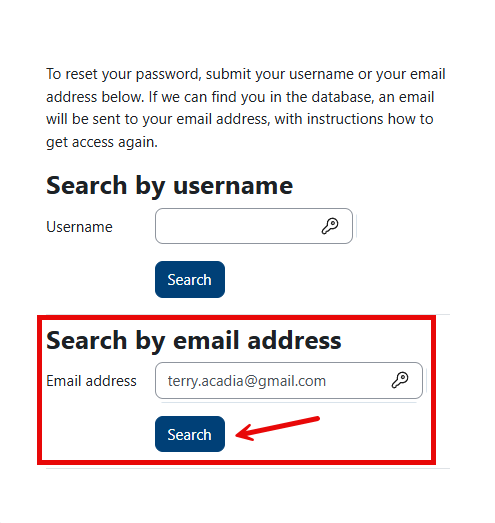
Now enter your email address in the Search by email address box, leaving the Search by username box empty. Click on the Search button under the Email address box.
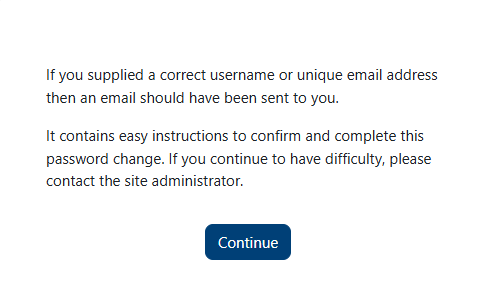
You will now see a message that an email has been sent to that address. It's not necessary to click on the Continue button; you can simply close this window.
Check your email for instructions from Moodle Help (via anchor). If it doesn't reach your Inbox, check your Junk Mail/Spam folder.
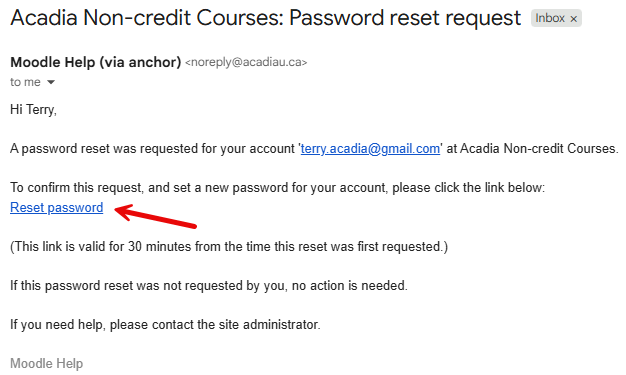
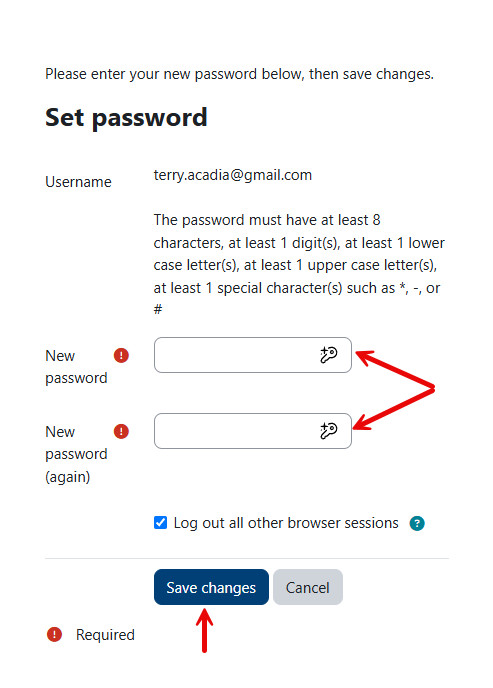
Click on the Reset password link in the email to continue. On the Set password window that opens, enter your new password in both boxes, following the requirements set out on the page. Then click on the Save changes button to continue.
Your password is now reset, and you are logged in.

You can close this page and return to Explore to log in with your new password.